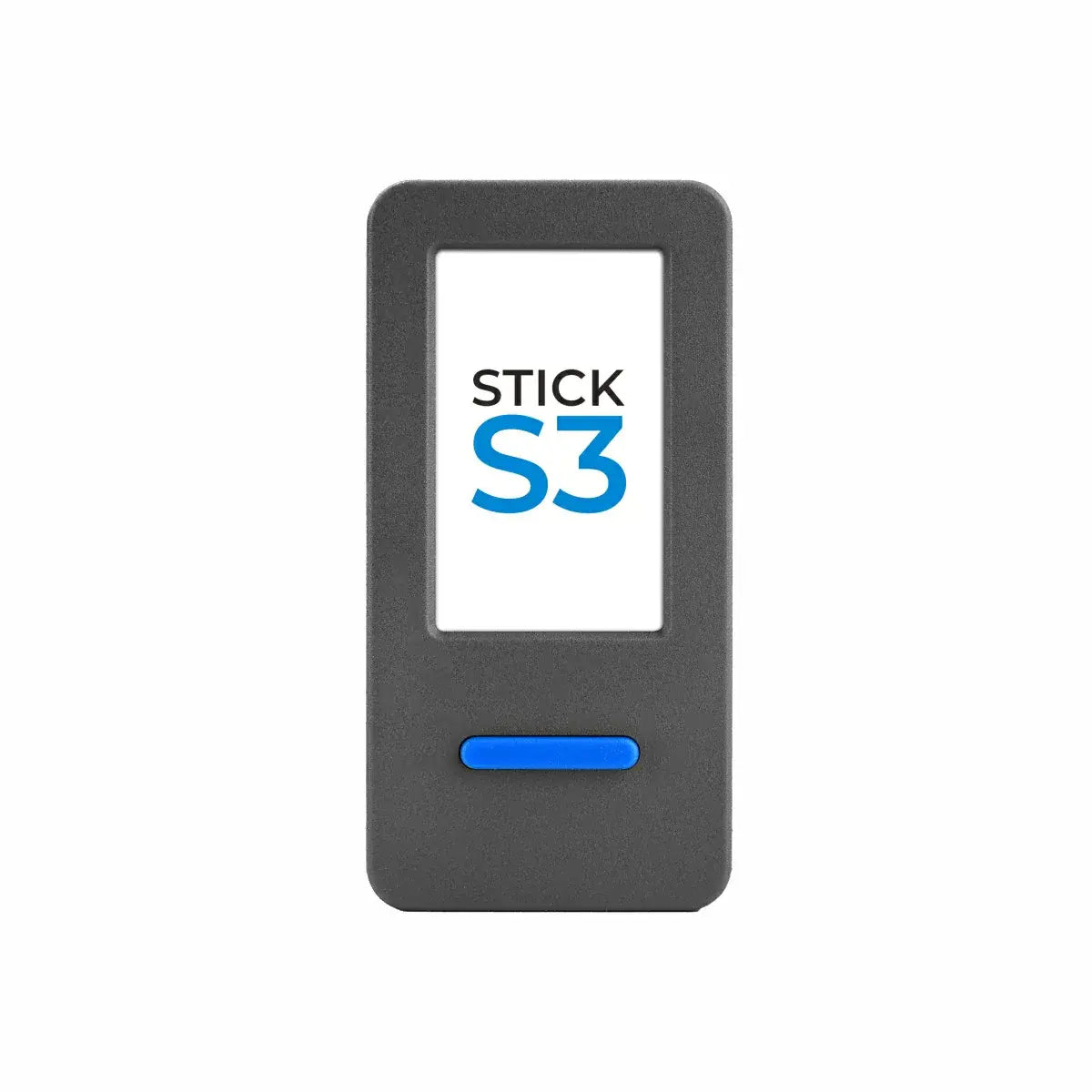


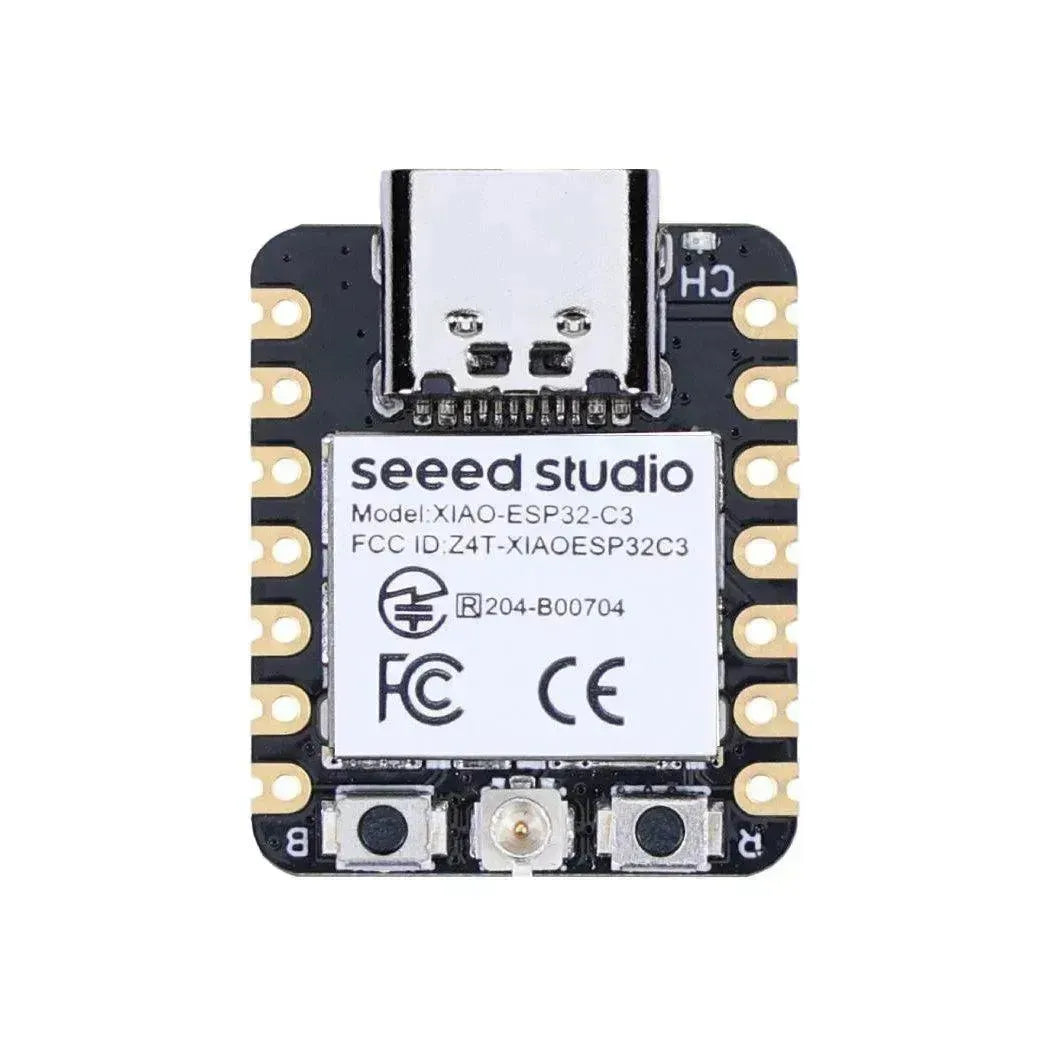
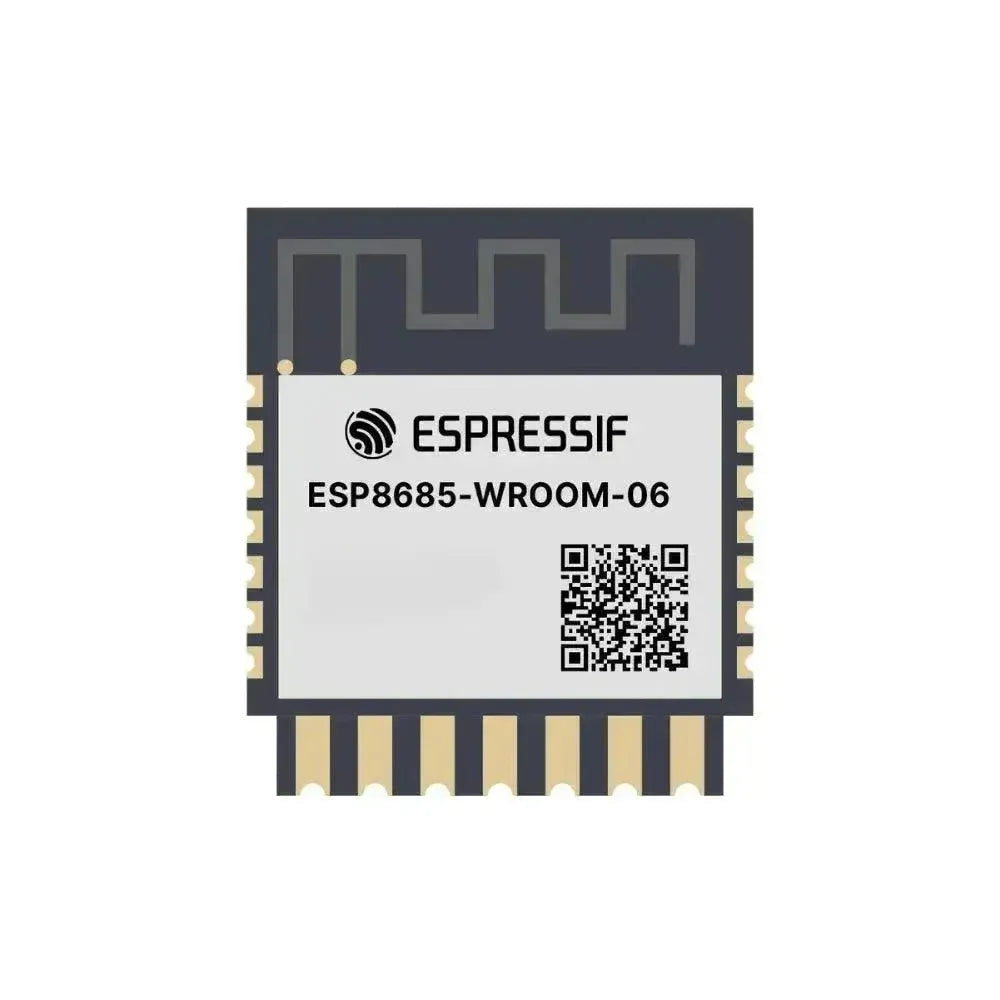



The M5StickC PLUS is a compact development board utilizing the ESP32-PICO-D4 chip, designed for versatility and performance. This board incorporates a variety of sensors and modules, making it perfect for quick prototyping and developing applications within the Internet of Things (IoT) spectrum.

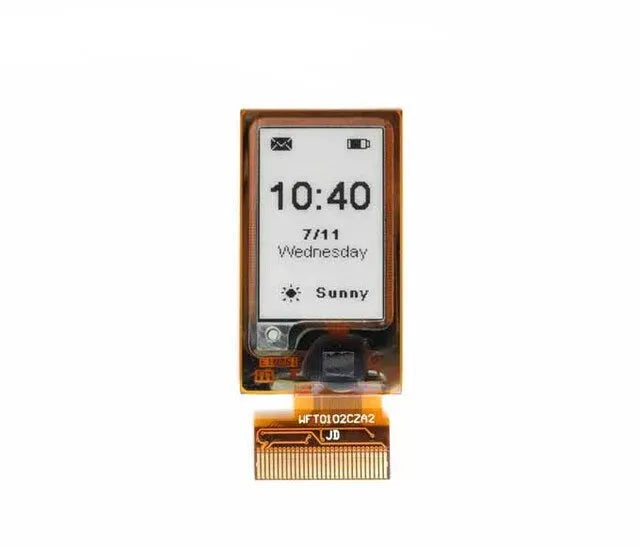
1. **Display Function**: The versatile TFT screen can display rich graphical interfaces, including images, text, and graphs.
2. **Sensor Reading**: The built-in six-axis IMU sensor allows for attitude detection and motion tracking applications.
3. **Communication Function**: Supports both Wi-Fi and Bluetooth communications for easy data exchange with other devices and cloud platforms.
4. **Infrared Emission**: It has a built-in infrared emitter to facilitate remote control capabilities.
5. **Audio Input**: The internal microphone is suitable for audio capture and voice recognition tasks.
6. **Programmable Keys**: Equipped with two programmable keys for enhanced user interaction.
Application Scenarios
1. **IoT Device Control**: The M5StickC PLUS can control smart home devices, such as smart lights and sockets, allowing for remote management and status monitoring over a Wi-Fi connection.
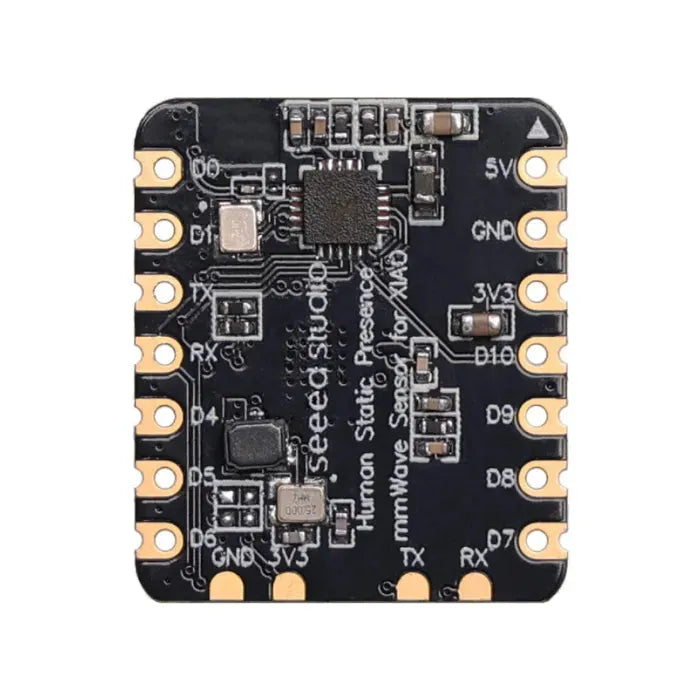
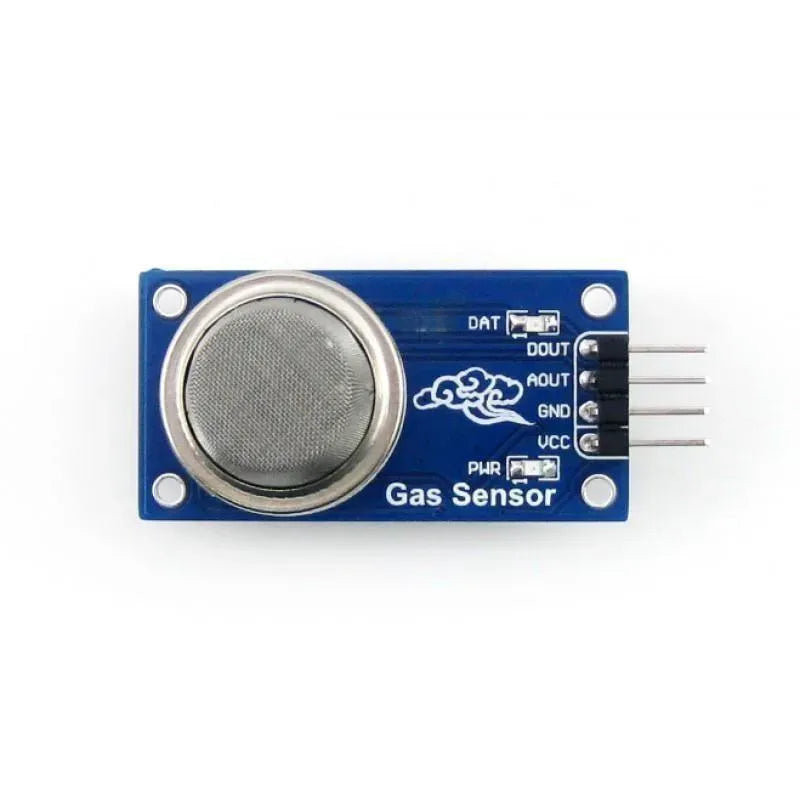
2. **Environmental Monitoring**: Its expansion interface permits the connection of various sensors (e.g., temperature and humidity sensors, gas sensors) for real-time data collection and monitoring.

3. **Wearable Devices**: Due to its compact design and built-in IMU sensors, it is ideal for developing wearable technology like smartwatches and fitness trackers.
4. **Education and Learning**: M5StickC PLUS offers extensive development resources and tutorials, making it an excellent platform for students and enthusiasts to learn embedded development and IoT technologies.
5. **Robot Control**: It can serve as a controller for micro-robots or drones, leveraging its robust computing power and multiple communication interfaces for sophisticated motion control and data processing.
Next Steps for Developing LED Control with M5StickC PLUS
1. Installation of the Burning Tool
Select the appropriate operating system to install.

2. Burning the Firmware
Launch M5Burner.exe from the previously installed tool, select the corresponding hardware, and proceed to download and burn the firmware.

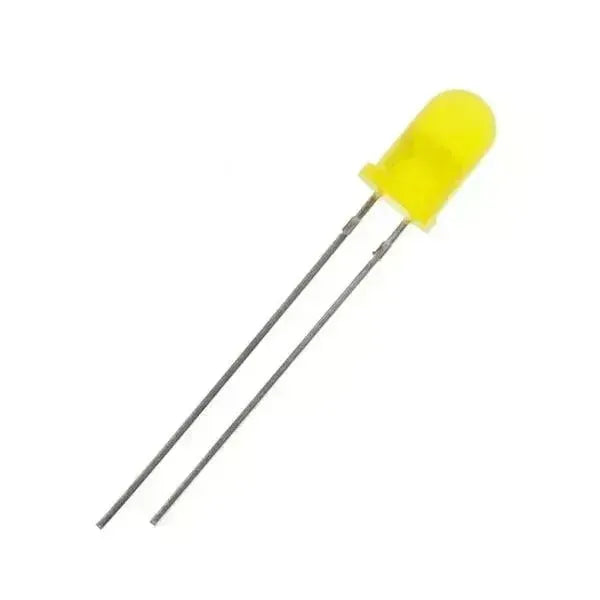
3. LED Control - Lighting Experiment
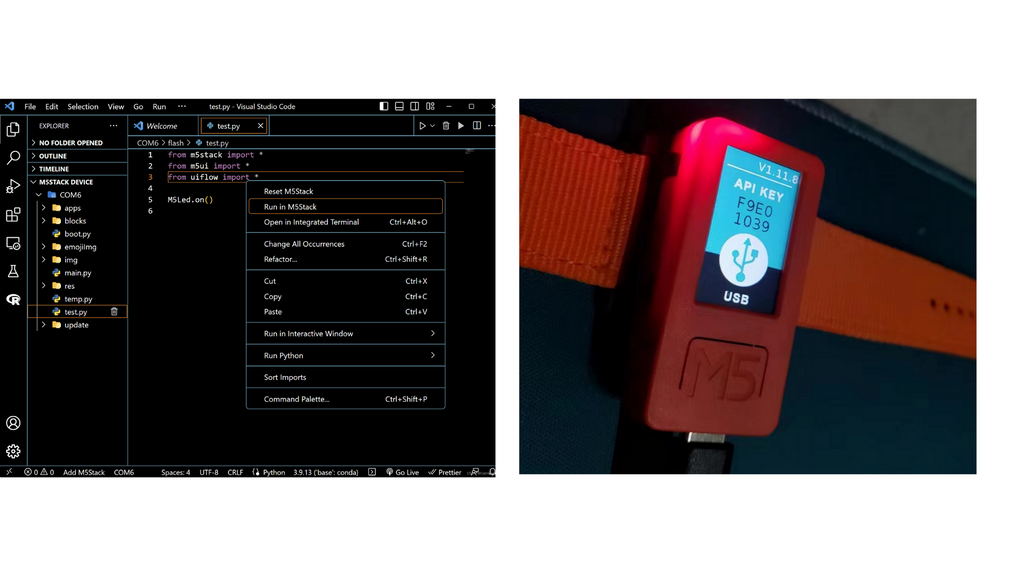
Open the M5Stack file tree and copy the test code from the official website to run your initial experiment.
Related Articles
If you're working on a project using M5StickC PLUS, our website features a variety of M5StickC PLUS products, and we can also customize the M5StickC PLUS according to your requirements.
OpenELAB is a comprehensive development platform for global AIoT electronics enthusiasts and an open-source community for electronic engineers. In addition to providing developer modules online, our services cover customized manufacturing of various electronic components, including micro switches and batteries, as well as plastic or metal parts via processes such as 3D printing, injection molding, CNC, and laser cutting.
Furthermore, OpenELAB extends other electronic component sourcing services such as sensors, displays, IoT, and more. OpenELAB features an easy-to-navigate website that makes locating components straightforward, with quick shipping available to customers globally.
Moreover, OpenELAB provides Design as a Service (DaaS) for design optimization, Manufacturing as a Service (MaaS) for production manufacturing, Supply Chain as a Service (SaaS) for supply chain support, and Quality as a Service (QaaS) for quality control, ensuring seamless transitions to commercial production for AIoT products.
Most importantly, OpenELAB is dedicated to fostering a global open-source community for AIoT electronic developers. Through the OpenELAB community, developers engaged in the AIoT electronic revolution can collaborate, empower one another, and cultivate a culture of respect and shared innovation, leading to the creation of more intuitive AIoT smart products for the world.


