

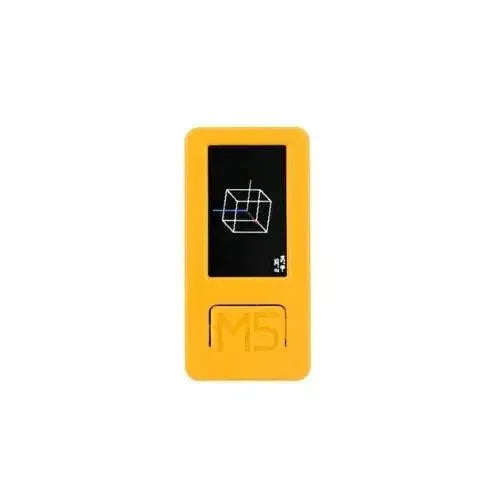
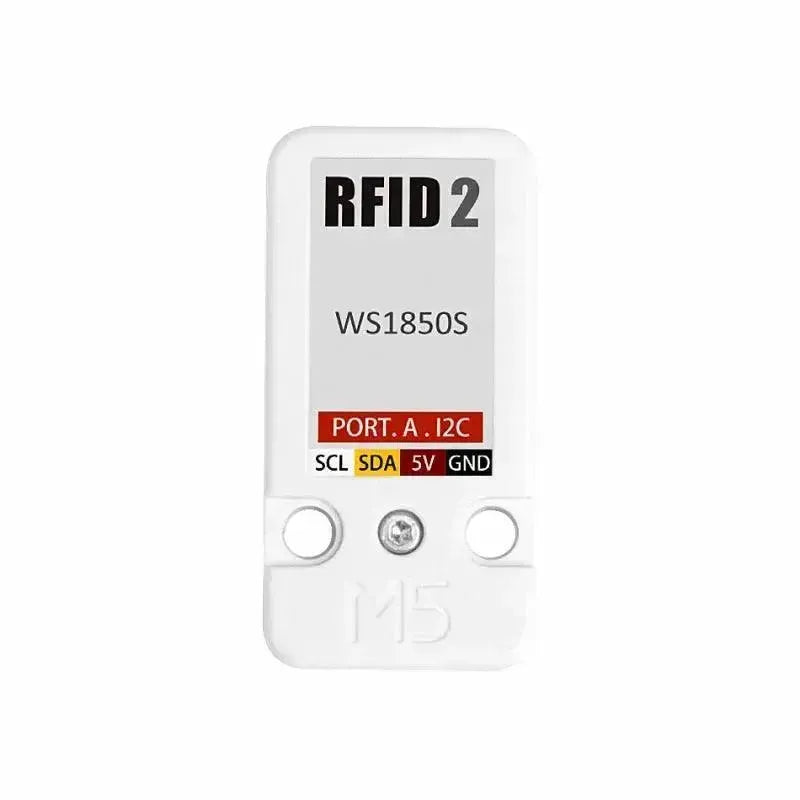

The M5Stack RFID 2 Unit is a versatile radio frequency identification device featuring the WS1850S chip. Operating at 13.56MHz, it excels at reading and writing RF cards, data recognition, recording, encoding, and authorization management. Its magnetic field induction technology facilitates seamless, non-contact, two-way communication, making it an excellent choice for various information verification applications.
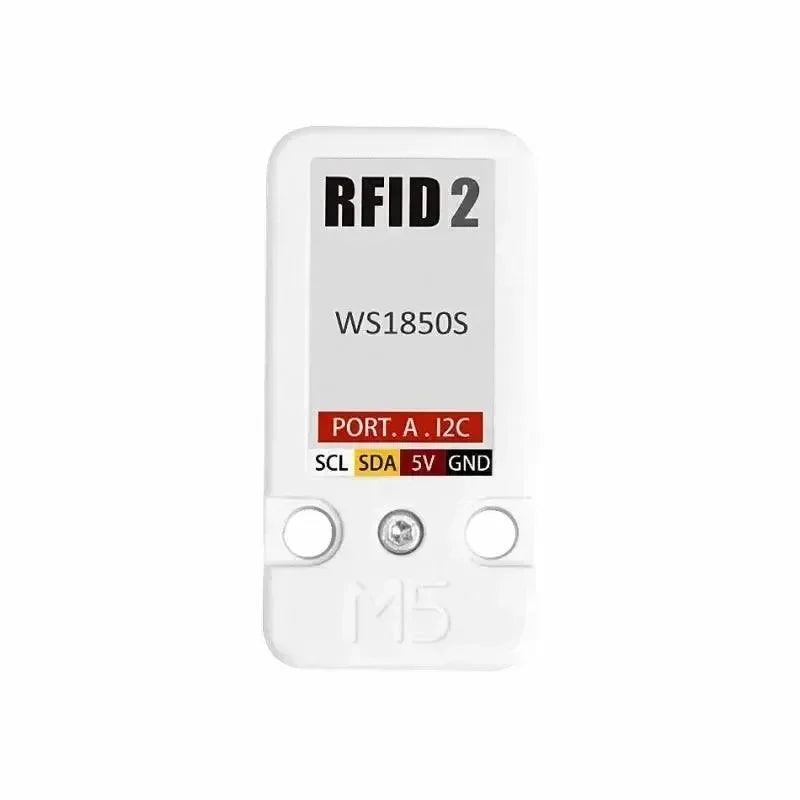
Key Features of RFID 2 Unit
- Enhanced Chip Integration: The RFID 2 Unit features the WS1850S chip, providing improved performance over its predecessor (RFID UNIT with RC522 chip ). While core functionalities persist, the upgraded chip enhances efficiency and reliability.
-
Multi-functionality:
- Reading and writing RF cards
- Encoding and decoding
- Managing authorizations
- Supporting non-contact card recognition and verification
- Magnetic Field Induction Technology: This technology allows for non-contact, two-way information interaction, ensuring rapid and secure data transactions.
- Wide Compatibility: Compatible with proximity cards, IC cards, and NFC-enabled mobile devices.
Application Scenarios
The RFID 2 Unit is designed to meet various real-world needs:
- Access Control Systems: Provides secure entry and exit for restricted areas.
- Check-in Systems: Simplifies attendance management in offices, schools, or events.
- Warehouse Management: Enhances tracking of goods entering and exiting storage facilities.
- Community Vehicle Registration: Automates vehicle entry and exit records for residential areas or commercial complexes.
| Resources | Unit RFID 2 | Unit RFID |
| Read and Write IC | WS1850S | MFRC522 |
| Operating frequency | 13.56MHz | |
| Communication protocol | I2C: 0x28 | |
| Support protocol | ISO14443A, MIFARE and NTAG | |
| Operate temperature | -20℃ - 85℃ | -20℃ - 85℃ |
| Net weight | 6g | 6g |
| Gross weight | 21g | 21g |
| Product size | 48 * 24 * 8mm | 48 * 24 * 8mm |
| Packing size | 136 * 92 * 8mm | 67 * 53 * 12mm |
How to Use the RFID 2 Unit
Materials Required:
- M5Core: The control unit for running the system and managing various modules.
- RFID 2 Units: Reading modules for RFID tags.
- Type-C: Cable for power connection or data transfer.
- M5Stack Unbuckled Grove Cable: Grove interface cable for connecting sensors to the main control unit.
To begin using the RFID 2 Unit, follow these steps:
- Hardware Setup: Connect the RFID 2 Unit to Port A (pins 22 and 21) of the M5Stack Core device.
- Software Configuration:
- Utilize the provided sample code (
RFID.ino) to verify the unit's functionality.
Sample Code Highlights
#include "MFRC522_I2C.h"

MFRC522 mfrc522(0x28);  // Create MFRC522 instance.

void setup() {
    M5.begin();             // Initialize M5Stack
    M5.Power.begin();       // Initialize power module
    M5.lcd.setTextSize(2);  // Set text size
    M5.Lcd.println('MFRC522 Test');
    Wire.begin();           // Initialize I2C bus

    mfrc522.PCD_Init();     // Initialize MFRC522
    M5.Lcd.println('Please put the card\n\nUID:');
}

void loop() {
    M5.Lcd.setCursor(40, 47);
    if (!mfrc522.PICC_IsNewCardPresent() || !mfrc522.PICC_ReadCardSerial()) {
        delay(200);
        return;
    }
    M5.Lcd.fillRect(42, 47, 320, 20, BLACK);
    for (byte i = 0; i < mfrc522.uid.size; i++) {
        M5.Lcd.print(mfrc522.uid.uidByte[i] < 0x10 ? '0' : ' ');
        M5.Lcd.print(mfrc522.uid.uidByte[i], HEX);
    }
    M5.Lcd.println('');
}
✔ Copied!
Steps Explained:
- Initialization: Initializes the M5Stack device and the RFID module.
- Card Detection: The program identifies new cards placed near the RFID reader.
- ID Display: Displays the unique ID (UID) of the detected card on the M5Stack Core's screen.
The M5Stack RFID 2 Unit is a robust tool for implementing RFID-based solutions across diverse scenarios. Its strong features combined with an intuitive interface make it a dependable option for developers and system integrators. Whether managing access control, inventory systems, or automated check-ins, this device offers an efficient and economical solution.


